Tuesday, 29 November 2016

8

For this section of the video i have two similar shots walking by the waters edge, so i decided to link the shots with a ripple effect to symbolise the water, but it also adds a very nice image of me teleporting from one side of the shot to another. On the second shot there is a break separating a section, in the separated section I have slowed the clip down as i throw a rock into the water, I felt like this was a very nice visual effect so decided to keep it in.


I then used a fade to white transition to show the video shifting to a shot me me lip syncing. My next show shows me from a distance stood on the edge of the cove with my arms up showing me embracing the nature and worlds beauty, halfway through this clip I used an overlay effect to cut back to a shot from the beginning of the video, to show the audience that my artist has changed from what he used to be.

Friday, 4 November 2016

2

After i had all of this in place i began to start creating my video carefully selecting my shots to get the shots with the best quality in them, Using i movie allows you to see all of your shots in a collection underneath the place of editing allowing a simple selection process.
I have managed to already today put 3 shots into my music video, with transitions in-between shots and i have used a correction tool on the programme to change the look of some shots. 
On the shot of the cove i have used the correction tool to add a yellow tint to my image, i have done this because the weather when we shot this shot was very dull and i wanted a little bit more colour in the picture. In this case i have added some more yellow than normal into the shot making it look like there is a nice glare of sun on the cove. For my first transition i have used a cross zoom, This transition zooms into the previous shot while cross fading to the next one, i have done this to make it look like we are having an in site to the actors mind and looking at the cove through his eyes in the next shot.
In the transition between the next shots i have made it fade to black, this is to show that we are going back to following the actor around and we are not inside his head anymore. I really like this transition as it is a very smooth and simple change of shot.
I have also used the yellow tint on the next shot of the actor walking, as i wanted the shot of the cove and the actor walking to match so that there was a definite link between the shots. 

Tuesday, 1 November 2016

1

Today I have managed to import my shots on to the editing programme "I Movie" This is a very simple yet effective editing software that is simple to use and doesn't take to long to adapt to
After importing my shots I downloaded the song "i'll show you" to my computer and imported that onto my project with the simple drag and drop tool available. 


Thursday, 27 October 2016

Filming

9:00am Currently setting off in the car to anglesey, all equipment it ready charged and the actor and cameraman have arrived in time ready to shoot.

11:30am Arrived at our locations currently walking to the cove to find a safe place to store our equipment and get the first costume on.

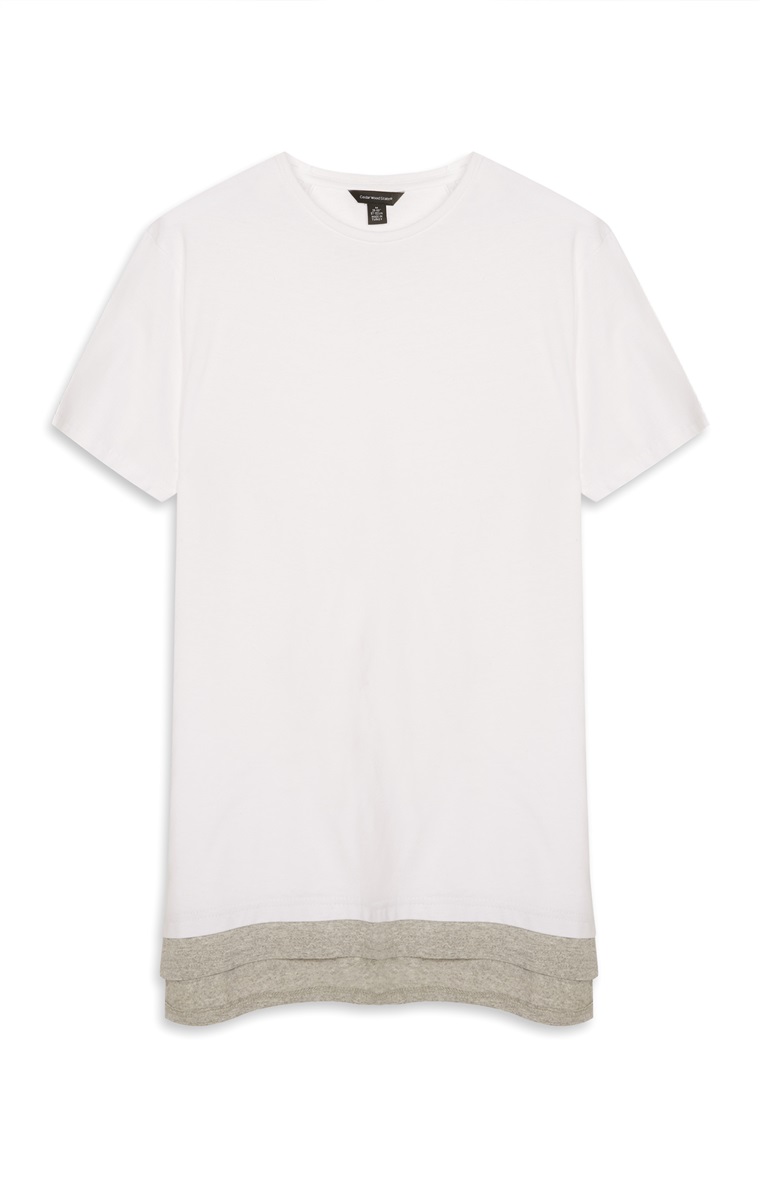
12:00am We are ready to do our first shots of the day in the first costume (black hoodie, white low-tee, jeans and walking boots.)

14:30pm We have just finished all of the shots that we are able to do as the camera battery has died. We still have to shoot a shot of me coming out of the water of the cove in my underwear, and a shot of me refreshing my face with water so we have decided to shoot these on my Samsung s7.

15:00pm The shoot with the Samsung s7 went successfully however looking back at the shot we can see a significant change in the quality of the cameras.

Summary: Today I went up to anglesey to shoot for my video. The shoot went extremely successful, the weather was perfect as there was a dash of sun and strong wind which aloud me to show my narrative that my actor was trying to escape the reality of fame and isolate himself to connect with himself and have time to think. The shots were also falling together very well, meaning that we did not have to do many retakes of shots.
However towards the end of the shoot the camera battery died! This affected the shoot as it meant us using my Mobile to record the last few shots. We could see the difference in camera quality so we are unsure what they will look like when exported on to the computer.

Wednesday, 19 October 2016

Permissions

Today

  • i have managed to speak to my schools Head Teacher and have successfully secured myself a camera for over the half term to execute my video shoot over my time off.
  • I have also spoken to my mother and have got her to agree to take me over to Anglesey on wednesday the 26th of october.
  • Finally i have spoken to some of my friends and they have said they are willing to come over to anglesey with me to assist me with shooting.

Tuesday, 18 October 2016

Costume

For my project i have chosen to have a costume like in the music video i am basing my project off.  I feel that this will show a sense of individuality in the video that will go with the narrative of my video very well. This will also appeal to the teenage genre as it is the style of fashion that is popular at the moment.


Tuesday, 11 October 2016

Location


I have chosen my location to be the coves located around Porthdafarch Road in Anglesey
as they look like they are isolated if you look at them from the right angles and i have visited them before on a camping trip and I feel that they will fit perfectly with what I vision in my head.

This is a picture of the largest of the two coves from a first person view.

This is a close birds eye view of the seccond cove
This is a birds eyes view of the first cove i will visit
This image shows both coves in one shot to show that both coves are very accessible


This image shows a potential field that i could do some recording in.